
How AI Has Slipped Into Every Business in 2026
In 2026, AI became an everyday tool at work, and that brought new benefits and new risks. Verizon found that 45% of employees now use AI regularly on work systems, up from 15% the year before. It also found that 67% of users reached AI tools through personal accounts on company devices. This is often called “shadow AI.” When staff paste customer details or business files into a personal AI account, that information leaves your control.
Business software caught up quickly. In July 2026, Microsoft launched Microsoft 365 Business Standard with Copilot and Microsoft 365 Business Premium with Copilot. These plans put AI, everyday office apps, and security in one package made for small businesses. That gives staff an approved option instead of personal tools.
The way attackers get in also shifted. For the first time in the Verizon report’s history, attacks on software flaws (31% of breaches) passed stolen passwords (13%) as the most common way in. AI helps criminals find these flaws faster than many businesses can fix them. If you’re slow to install new software updates, AI tools will find and exploit any open doors much faster than a human hacker ever could.
How Are Criminals Using AI Against Small Businesses?
Small businesses are the main target for ransomware, an attack that locks your files until you pay. The 2026 Verizon Data Breach Investigations Report found that small and midsize businesses made up about 96% of ransomware victims where company size was known.
AI makes these attacks cheaper and easier to run, and it starts with email. Scam emails used to be easy to spot because they were full of typos. AI has eliminated those. Microsoft’s 2025 Digital Defense Report found that people clicked AI-written phishing emails 54% of the time, compared to 12% for hand-written emails. That makes them about 4.5 times more effective.
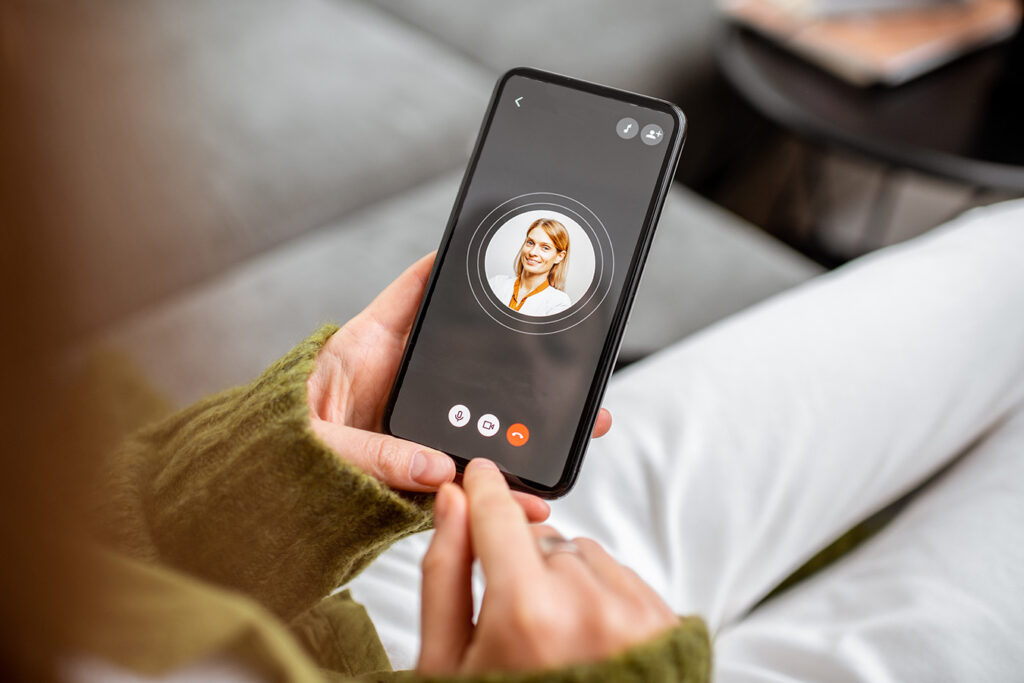
Phone calls carry new risks too. Scammers can copy a person’s voice from a short recording, and the FBI warns that criminals use voice cloning to pose as bosses, family members, and even police. A call that sounds like your owner asking for a quick wire transfer may not be real.
AI also speeds up the work behind the scenes. Verizon reports that criminals use it to research targets, write scam messages, look for software flaws, and help build harmful programs. The losses are adding up. The FBI’s 2025 Internet Crime Report included a section on AI for the first time, counting 22,364 complaints tied to AI and nearly $893 million in reported losses.
How Do AI Security Tools Protect Small Businesses?
There’s no need to throw in the towel and surrender to the scammers; defenders have AI too. Modern cybersecurity tools learn what normal activity looks like on your computers and network and defend against anything outside the norm. When something looks wrong, such as a computer suddenly locking files or someone signing in from an unusual place, they can act right away.
Microsoft Defender for Business is a good example. It is built for companies with up to 300 employees and comes with Microsoft 365 Business Premium. It uses AI to detect ransomware while it runs. An included feature called automatic attack disruption can then cut off the affected users and devices without waiting for the employee to step in.
AI helps with those spam emails too. AI-based email protection looks at tone, sender history, and links instead of relying on typos to catch scams. For small IT teams, an AI guard can also sort through thousands of alerts and point out the few that need a human.
What Should Small Businesses Expect in 2027?
AI attacks will keep getting faster. Gartner, a tech research firm, predicts that by 2027, AI agents will cut the time it takes to break into exposed accounts in half. AI agents are programs that can carry out a chain of tasks on their own, like testing stolen passwords on many websites at once.
Gartner also expects AI agents to take over more steps in these account break-ins, including scams that use fake voices. Phone calls and video meetings will need the same caution as email.
For small businesses, slow manual responses won’t be enough. Tools that react on their own will matter more, and so will strong sign-in protection. Gartner urges a move to passwordless, phishing-resistant multifactor authentication (MFA), a second sign-in check that scammers can’t easily trick you into handing over.
What AI Tools Should Your Business Be Using?
- Most small businesses can start with these steps:
- Use AI-powered device protection. Tools like Microsoft Defender for Business can stop ransomware on their own.
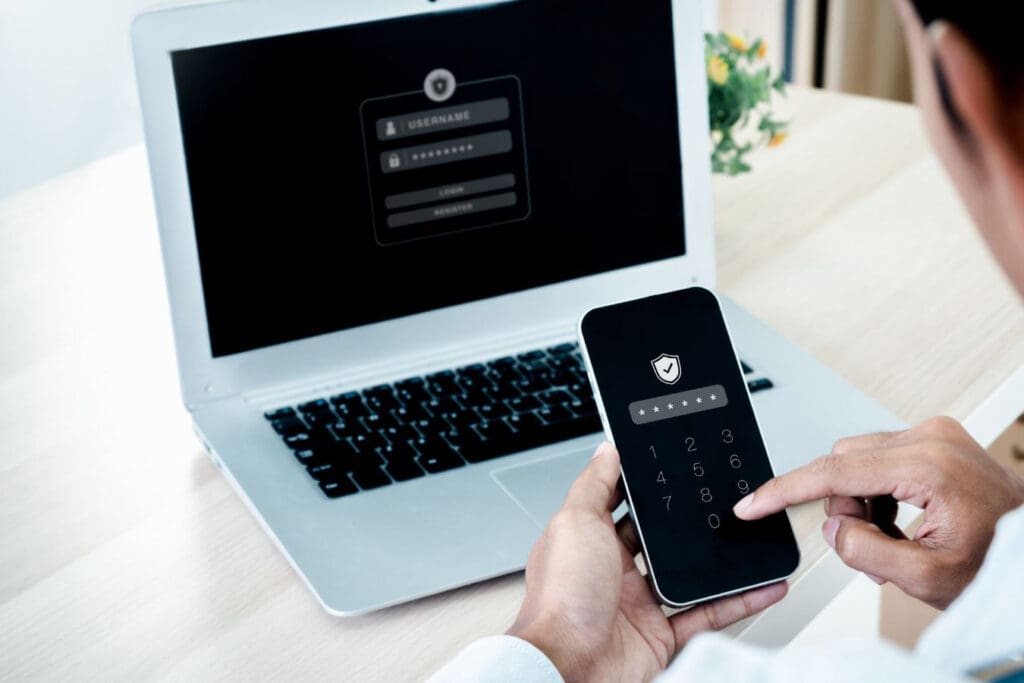
- Turn on strong MFA everywhere. Phishing-resistant options, like passkeys and authenticator apps, hold up better against AI-powered scams than passwords alone.
- Give staff an approved AI tool. Choose a business AI tool that keeps your data protected, like Microsoft 365 Copilot. Then set clear rules about what information can go into it.
- Set a call-back rule for money requests. If anyone asks to change payment details or send a wire transfer, confirm it by calling a number you already have. Never trust a voice alone.
- Keep software updated. Since software flaws are now the top way attackers get in, install updates quickly.
- Keep backups you can trust. Good backups let you recover without paying a ransom. Test them often.
- Train your team on new scams. Show employees real examples of AI phishing and voice cloning. Our free cybersecurity resources are a good place to start.
Frequently Asked Questions From Our Customers
Are small businesses really targets for AI-powered attacks?
Yes. Most ransomware victims are small and midsize businesses. AI lets criminals target many companies at once, and smaller ones often have fewer defenses.
Can AI security tools replace an IT team?
No. AI tools handle speed and volume, but people still need to set them up, review alerts, and make decisions. Many small businesses pair AI tools with a managed IT provider to cover both.
How can I tell if a phone call is a voice clone?
Often you can’t tell by sound alone. If a call asks for money or private information, hang up and call back using a number you already trust. Some businesses also set a code word for urgent requests.
KT Connections helps small and medium businesses across South Dakota and Wyoming keep up with AI-powered threats. From our home base in Rapid City, our team sets up and manages Microsoft security tools, email protection, backups, and employee training.
Want to know where your business stands? Contact KT Connections or call (888) 891-4201 to talk with our team about your cybersecurity and get an in-depth audit of your systems.